About the Game
Idle Startup is a relaxing incremental idle game where you grow a small tech startup into a global company. Start with a laptop and an idea, train different business skills, earn money, unlock new departments, and expand your company step by step. Progress continues even when you’re away, allowing your business to keep growing while the game is closed. Dimhaven The Lost Source Free Download for PC
ScreenShots
Key Features
- Build a startup from a garage to a global tech empire
- Train 6 different skills across 4 company tiers
- Unlock upgrade trees and company-wide bonuses
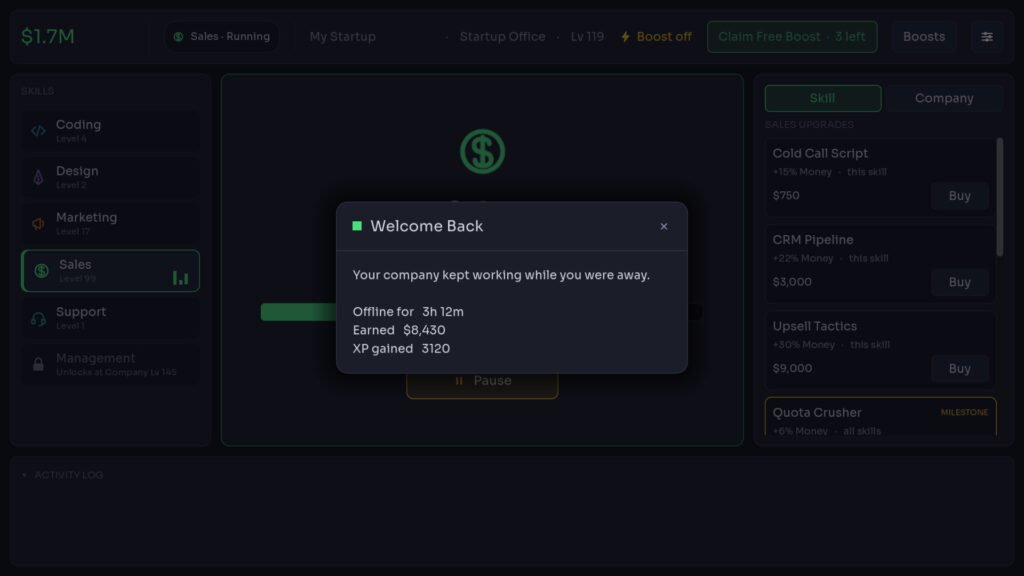
- Earn offline progress while away from the game
- Unlock achievements, milestones, and new departments
Gameplay Experience
Idle Startup is designed as a simple-to-learn but steadily expanding incremental experience. Players begin with a small startup operating from a garage and gradually develop it into a major technology company.
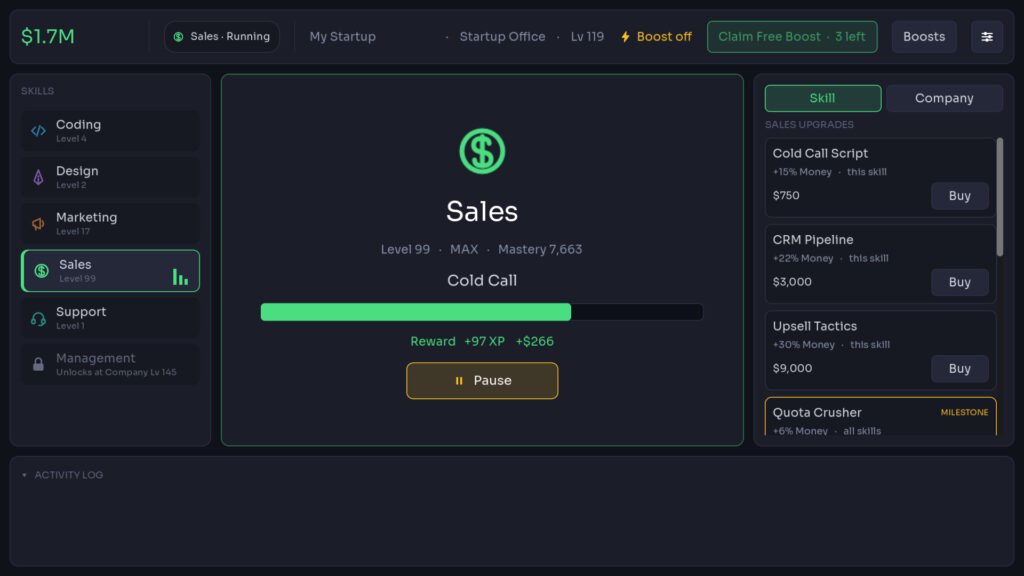
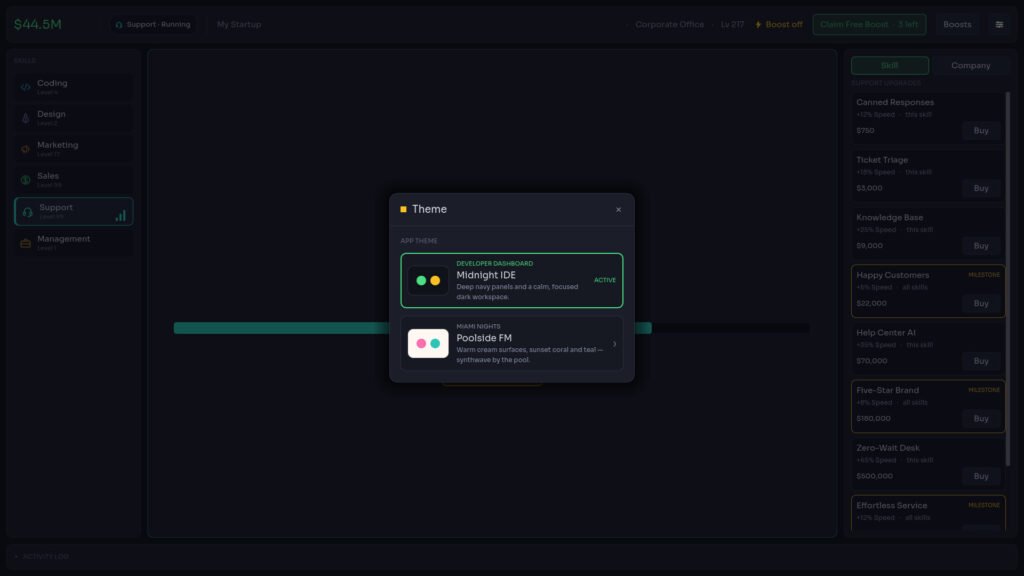
The gameplay revolves around selecting skills that automatically generate experience and money over time. As skills level up, new upgrades become available through dedicated upgrade trees. Each of the six skills contains its own progression path, offering upgrades that improve efficiency and growth.
Major milestones at levels 25, 50, 75, and 99 grant permanent company-wide bonuses, encouraging players to continue improving every skill. As the business expands, new departments become available, opening additional opportunities for growth and progression.
PC Information:
- Title: Idle Startup
- Genre: Casual, Indie, Simulation, Strategy
- Developer: Merrill Lines
- Publisher: Merrill Lines
- Release Date: 21 Jun, 2026
How to Download & Install
- Open Steam on your PC.
- Log in to your Steam account.
- Search for Idle Startup.
- Open the official Steam Store page.
- Click Add to Wishlist if the game has not released yet.
- Purchase the game when it becomes available.
- Open your Steam Library.
- Select Idle Startup.
- Click Install.
- Wait for the download and installation to complete.
- Click Play to begin building your company.
System Requirements
Minimum Requirements
- OS: Windows 10 (64-bit)
- Processor: Dual-core 1.6 GHz
- Memory: 2 GB RAM
- Graphics: Any GPU with OpenGL 3.3 (Intel HD 4000 era and up)
- DirectX: Not specified
- Storage: 250 MB available space
- Additional Notes: 1280×720 minimum window size
Recommended Requirements
- OS: Windows 11
- Processor: Dual-core 2.0 GHz or better
- Memory: 4 GB RAM
- Graphics: Any modern integrated or discrete GPU
- DirectX: Not specified
- Storage: 250 MB available space
- Additional Notes: Not specified
FAQs
1. What is Idle Startup?
Idle Startup is an incremental idle game where players grow a small startup into a global technology company.
2. How many skills are available?
The game features 6 skills spread across 4 company tiers.
3. Does the game support offline progression?
Yes. The game continues earning progress while closed for up to 4 hours by default.
4. What happens when a skill reaches maximum level?
Maxed-out skills continue earning Mastery, which provides permanent money bonuses.
5. Are optional purchases required to complete the game?
No. According to the Steam page, the entire game is playable and completable without purchasing any optional boosts.