About This Game
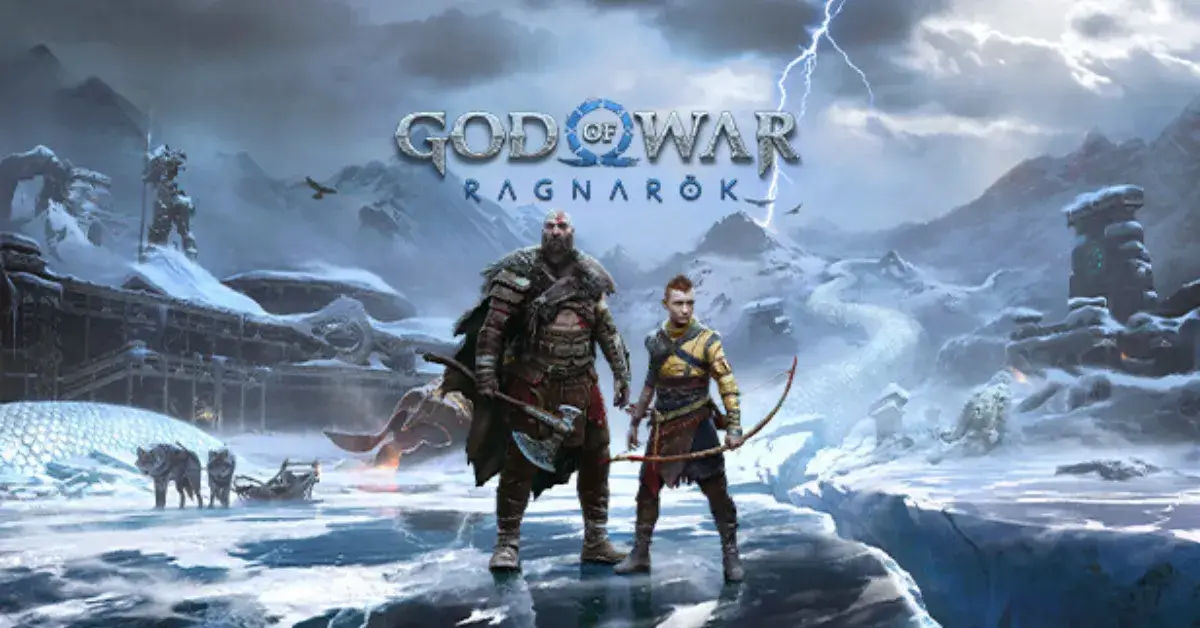
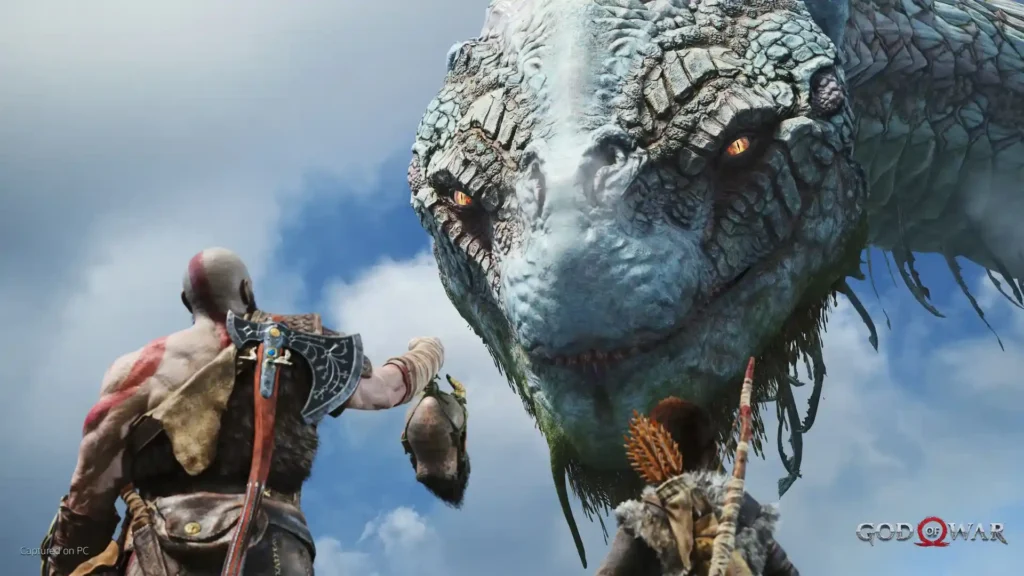
God of War follows Kratos, who now lives in the world of Norse gods and monsters after leaving his revenge against the Gods of Olympus behind. In this harsh and dangerous land, he must fight to survive and teach his son, Atreus, how to do the same.
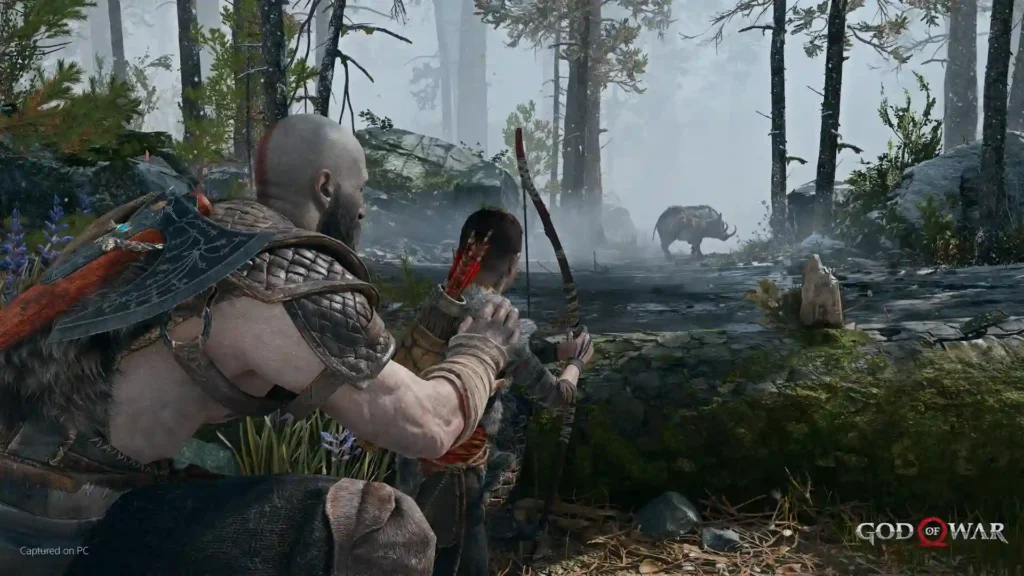
Kratos is a father once again. As Atreus tries to earn his father’s respect, Kratos must guide and protect him while controlling the anger that has shaped his life for many years.
Travel through a new world inspired by Norse mythology, filled with forests, mountains, caves, creatures, monsters, and powerful gods.
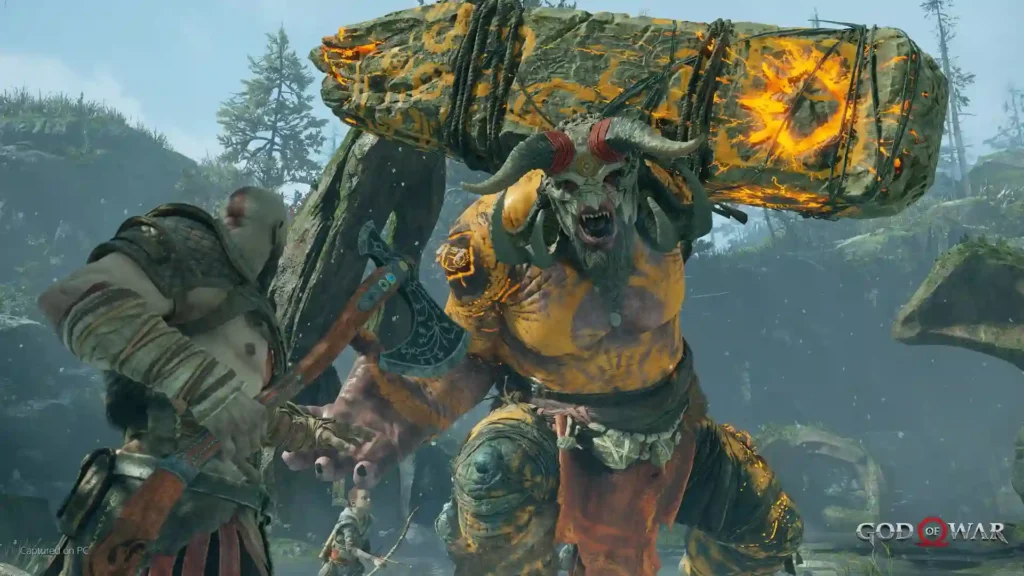
The game features intense combat with an over-the-shoulder camera that brings players closer to the action. Kratos uses new weapons and abilities while facing deadly enemies in brutal battles.
Screen Shots
PC Features
- Enjoy enhanced graphics with true 4K resolution on supported devices and unlocked frame rates.
- Adjust visual settings with improved shadows, reflections, GTAO, and SSDO options.
- Use NVIDIA DLSS to improve performance and image quality on supported NVIDIA graphics cards.
- NVIDIA Reflex reduces system latency for more responsive gameplay.
- Play with DUALSHOCK®4, DUALSENSE®, other controllers, or mouse and keyboard with fully customizable controls.
- Experience the game in 21:9 ultra-wide format for a wider cinematic view of the Norse world.
Gameplay Experience
I’ve watched consoles evolve over the years, and the first console I ever owned was the GameCube. Since then, I’ve played on almost every console generation and enjoyed many of the games that people call masterpieces.
For some reason, I always ignored God of War. I honestly don’t know why. One day, I saw it on Steam and couldn’t believe it was available there. The price was reasonable, and I was looking for a good story-driven game, so I decided to give it a chance.
I just want to apologize to Santa Monica Studio for not playing this masterpiece sooner.
This game is absolutely incredible. I’ve had so much fun with it that I’m already close to finishing it, and I can’t wait to jump into the next one.
The story, the relationship between Kratos and Atreus, the supporting characters with their memorable dialogue and funny moments—everything feels perfect. It’s a 10/10 experience for me.
I haven’t been this addicted to a game in a very long time, and I genuinely can’t wait to see what the next chapters of this journey have in store.
System Requirements
Minimum Requirements
- Requires: 64-bit processor and operating system
- OS: Windows 10
- Processor: Intel i5-2500K (4-Core, 3.3 GHz) or AMD Ryzen 3 1200 (4-Core, 3.1 GHz)
- Memory: 8 GB RAM
- Graphics: NVIDIA GTX 960 (4 GB) or AMD R9 290X (4 GB)
- DirectX: Version 11
- Storage: 70 GB available space
- Additional Notes: DirectX feature level 11_1 required
Recommended Requirements
- Requires: 64-bit processor and operating system
- OS: Windows 10
- Processor: Intel i5-6600K (4-Core, 3.5 GHz) or AMD Ryzen 5 2400G (4-Core, 3.6 GHz)
- Memory: 8 GB RAM
- Graphics: NVIDIA GTX 1060 (6 GB) or AMD RX 570 (4 GB)
- DirectX: Version 11
- Storage: 70 GB available space
- Additional Notes: DirectX feature level 11_1 required.
FAQ
What should I know before playing God of War (2018)?
You don’t need to play the previous games to enjoy God of War (2018). The game introduces a new setting based on Norse mythology and explains everything you need to know. Take your time exploring, upgrading your gear, and learning the combat system.
Questions regarding God of War (2018) story?
The story focuses on Kratos and his son, Atreus, as they travel through the Norse realms to fulfill a personal promise. Many details are revealed as you progress, so it’s best to avoid spoilers and experience the journey for yourself.
A few tips for “Give Me God of War”
This is the hardest difficulty in the game. Learn how to parry, dodge, and use Atreus’ abilities effectively. Upgrade your equipment regularly, complete side activities for better rewards, and be patient during difficult fights.
Brand new player here. This is my very first God of War…
Take your time and enjoy the experience. Explore whenever possible, experiment with different skills, and don’t worry if combat feels challenging at first. The game gradually teaches you its mechanics.
God of War noob here. Have a few questions
It’s normal to have questions when starting out. Focus on learning the basics of combat, upgrading your gear, using Atreus in battle, and exploring side areas for useful resources and equipment.